> For the complete documentation index, see [llms.txt](https://anekant-singhais-organization.gitbook.io/why-so-script-kiddie/llms.txt). Markdown versions of documentation pages are available by appending `.md` to page URLs; this page is available as [Markdown](https://anekant-singhais-organization.gitbook.io/why-so-script-kiddie/ctfs/htb-challenges/web/passman.md).
# Passman
Pandora discovered the presence of a mole within the ministry. To proceed with caution, she must obtain the master control password for the ministry, which is stored in a password manager.
we create a user and login:
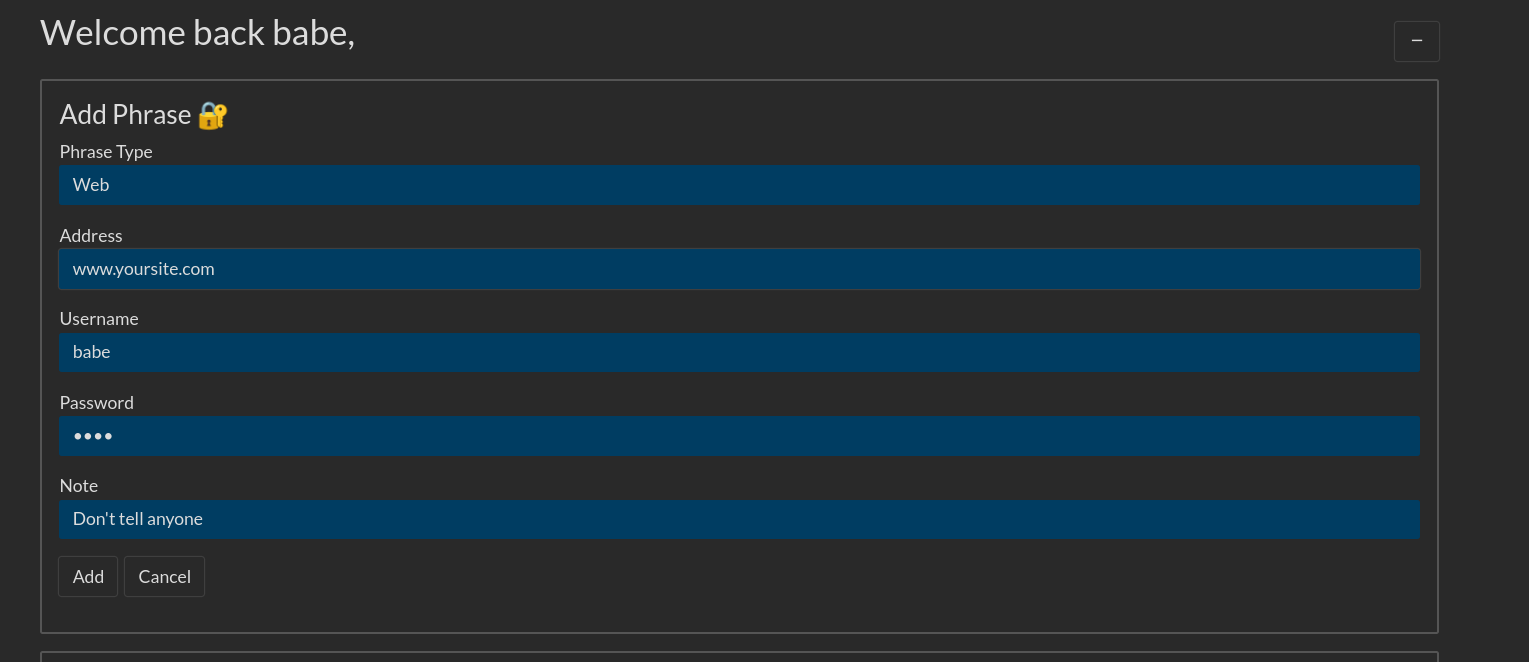
we also create a note:
we can see that it's running graphql:
look at the query :
The query is:
```graphql
mutation ($recType: String!, $recAddr: String!, $recUser: String!, $recPass: String!, $recNote: String!) {
AddPhrase(
recType: $recType,
recAddr: $recAddr,
recUser: $recUser,
recPass: $recPass,
recNote: $recNote
) {
message
}
}
```
also look at the jwt token :
Look at the code for updatePassword :thumbsup:

we use the login query and make it updatepassword:
and we get the password: